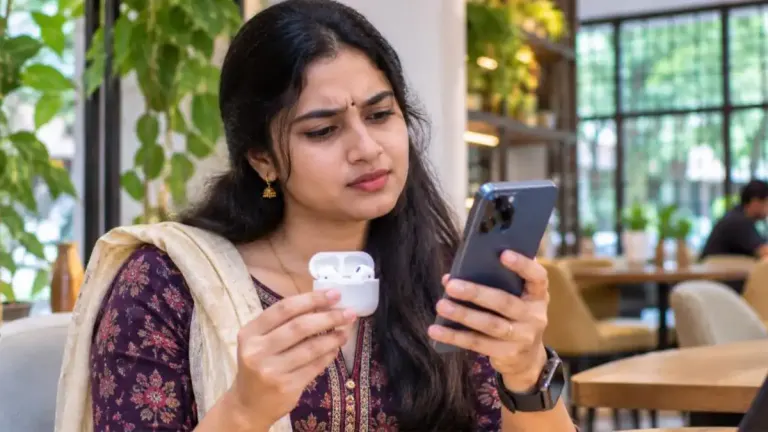
Waiting for a one-time password that never arrives is frustrating, especially when you are paying a bill, logging in to a bank or booking a ticket. If your OTP not received problem keeps repeating, the cause is usually simple: network issues, DND or spam filters, a full inbox, wrong number, or a blocked sender. This 2026 guide explains 12 easy fixes for OTP not received on Android and iPhone, for Jio, Airtel, Vi and BSNL users, plus bank, Aadhaar and app-specific tips.
Why Is My OTP Not Received?
An OTP travels from the company’s server to an SMS gateway, then to your telecom operator, and finally to your phone. A problem at any point can delay or block it. The most common reasons for OTP not received are:
- Weak or no mobile network, or airplane mode turned on
- SMS inbox full or the messaging app malfunctioning
- Promotional or spam filters hiding the message
- The sender blocked by mistake
- Wrong or old mobile number registered with the service
- Dual-SIM phone with SMS set to the other SIM
- Temporary delay on the operator or company side
- Requesting OTP too many times, triggering a temporary block
OTP Not Received: Quick Checklist
| Check | What to do |
|---|---|
| Network | Make sure you have at least two bars; move near a window |
| Airplane mode | Turn it on for 10 seconds, then off |
| Correct number | Verify the number shown on the OTP screen |
| Spam folder | Check spam/blocked messages in your SMS app |
| Storage | Delete old messages and free phone storage |
| Wait time | Wait 2–3 minutes before requesting again |
12 Easy Fixes for OTP Not Received
1. Check Network Signal
OTPs need a working mobile network, not just Wi-Fi. If you are indoors or in a basement, move to an area with better signal. Restart your mobile data and check whether calls work. If your operator has an outage, wait for some time or check the operator’s app for network status.
2. Toggle Airplane Mode
Turning airplane mode on and off forces your phone to reconnect to the network. This simple trick fixes many cases of OTP not received after travelling or switching locations.
3. Restart Your Phone
A restart clears temporary glitches in the messaging app and the modem. Restart and request the OTP again after the phone fully boots.
4. Check Spam and Blocked Messages
Google Messages and other SMS apps may move some messages to the spam folder. Open your messaging app, check “Spam & blocked”, and unblock the sender if your bank or app’s sender ID is there. On iPhone, check “Unknown Senders” or “Filtered” in Messages.
5. Free Up Storage and Clear Old Messages
When phone storage is almost full, new messages may fail to save. Delete old SMS threads and unnecessary files. If your phone shows a “storage full” warning, clear space before requesting a new OTP.
6. Set the Default SMS App Correctly
If you installed a third-party SMS app, OTPs might go there or fail to show. Go to Settings → Apps → Default apps → SMS app, and select your main messaging app such as Google Messages.
7. Check Dual-SIM Settings
If your registered number is on SIM 2 but SIM 2 is disabled or has no network, the OTP will not arrive. Go to SIM settings and make sure the SIM with the registered number is active and has network.
8. Recharge Your Number
Some prepaid numbers stop receiving SMS after validity expires, even if incoming calls work for a short time. Check your plan validity in the operator’s app and recharge if needed. Expired or long-unused numbers may also be deactivated and reassigned.
9. Check DND and Commercial Communication Settings
Transactional OTPs are allowed even when DND (Do Not Disturb) is active, but misconfigured settings or operator-side filters can sometimes interfere. Open your operator’s app (MyJio, Airtel Thanks, Vi app or BSNL Selfcare) and review DND preferences. If you recently changed DND settings, wait a little and try again.
10. Use the Voice Call or Email OTP Option
Many banks, apps and government portals offer “Get OTP on call” or email OTP as an alternative. If SMS keeps failing, choose the voice call option. You will receive an automated call that reads out the OTP.
11. Do Not Request OTP Repeatedly
Pressing “Resend OTP” many times in a row can make the system temporarily block new OTPs for your number as a security measure. Wait for the timer to finish, try once more, and if it still fails, wait 15 to 30 minutes before trying again.
12. Update Your Registered Mobile Number
If you changed your number but did not update it with your bank, Aadhaar or app, the OTP goes to the old number. Update the number through the official process, such as visiting your bank branch, using net banking, or an Aadhaar Seva Kendra for Aadhaar.
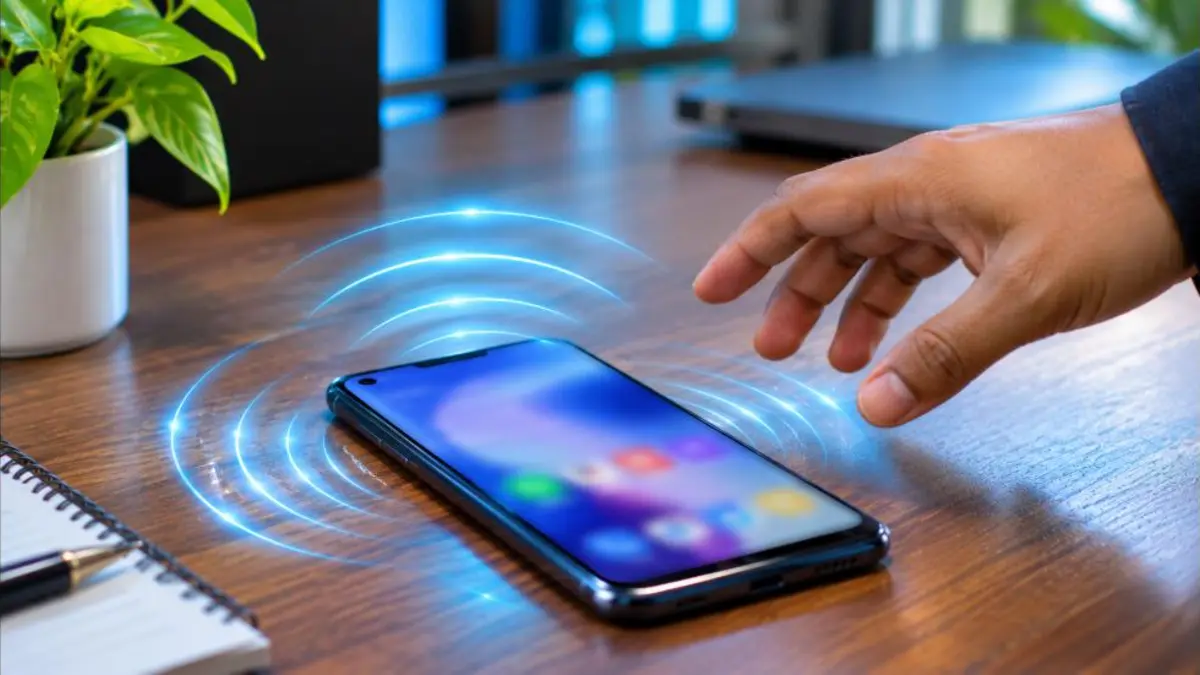
OTP Not Received From Bank
Bank OTPs are critical for card payments and net banking. If a bank OTP is not received:
- Confirm that your mobile number is registered with the bank. Check through net banking, the bank’s app, an ATM or the branch.
- For card payments on websites, check whether the merchant page shows the last digits of the number where the OTP was sent.
- Some banks send OTP to registered email too; check your inbox and spam folder.
- Call the bank’s customer care if the problem continues; do not share any OTP with the caller even if it is the bank.
Aadhaar OTP Not Received
Aadhaar OTPs go to the mobile number linked with your Aadhaar. If you do not receive it, first verify which number is linked using the “Verify Email/Mobile Number” service on the official UIDAI website. If the number is old or not linked, you need to update it at an Aadhaar Seva Kendra or enrolment centre with biometric verification; mobile number update cannot be done fully online. Check our guide on Aadhaar authentication history to see recent OTP use on your Aadhaar.
OTP Not Received on Jio, Airtel, Vi or BSNL
| Operator | What to try |
|---|---|
| Jio | Restart, check VoLTE and network mode; verify plan validity in MyJio |
| Airtel | Toggle airplane mode; check DND in Airtel Thanks; contact customer care |
| Vi | Check network coverage; update preferences in the Vi app |
| BSNL | Ensure network mode supports your area; check validity and SMS services |
If the issue is network-wide, operators usually fix it within hours. You can also switch your OTP-receiving number to another SIM by updating it with the service provider.
OTP Not Received on iPhone
iPhone users can face the same issue, often because of message filtering. Try these steps:
- Open Settings → Apps → Messages and check “Filter Unknown Senders”. If it is on, look in the “Unknown Senders” or “Transactions” lists in the Messages app.
- Make sure iMessage is not interfering if you recently moved your SIM from an iPhone to an Android phone; deregister iMessage for that number if needed.
- Check Settings → Mobile Data/Cellular to confirm that the correct line is active.
- Reset network settings if the problem continues (this removes saved Wi-Fi passwords).
OTP Not Received for UPI and Payment Apps
UPI apps verify your number by sending an SMS from your phone to the bank, and they also use OTPs for some actions. If UPI registration fails:
- Ensure the SIM with the bank-registered number is in the same phone.
- Allow the app to send SMS when asked.
- Make sure you have SMS balance or an active plan, because the verification SMS is sent from your number.
- Select the correct SIM during registration on dual-SIM phones.
For other UPI issues, see our guide on UPI failed transaction refund.
OTP Not Received on Websites During Login
Some websites send OTPs by email instead of SMS. Check the message on the screen to see where the OTP was sent. If it is email, check Inbox, Spam and Promotions folders. Add the sender to your contacts to avoid future filtering. If your Gmail storage is full, new emails cannot arrive, so free up space; our Gmail storage full guide can help.
Safety Warning: Never Share Your OTP
Fraudsters often call pretending to be bank staff, delivery agents, telecom employees or government officials and ask you to read out an OTP “for verification”. Remember:
- No genuine bank or company will ask you for an OTP on a call.
- An OTP can authorise payments, SIM changes or account access.
- If you receive an OTP you did not request, someone may be trying to access your account; change your password.
- Report suspicious calls on the government’s Sanchar Saathi portal and call 1930 if you lose money.
OTP Not Received After Porting Your Number
After mobile number portability (MNP), SMS delivery can be patchy for a day or two while routing updates across networks. If you face OTP not received problems right after porting, wait up to 48 hours, restart the phone, and make sure the new SIM is active. If the issue continues beyond that, contact the new operator’s customer care. Our mobile number portability guide explains the porting timeline.
OTP Not Received on a New Phone or New SIM
When you insert your SIM into a new phone, some phones need a moment to configure messaging. Check that the default SMS app is set, that the SIM is enabled for SMS, and that the phone is not in a power-saving mode that restricts background apps. If you recently replaced your SIM (SIM swap or duplicate SIM), operators may block SMS services for 24 hours as a security measure. In that case OTP not received is expected for the first day, and SMS will resume automatically.
Messaging App Troubleshooting on Android
- Go to Settings → Apps → Messages.
- Tap Storage and choose “Clear cache” (not Clear data, which may delete messages).
- Check Permissions and allow SMS and notifications.
- Update the app from the Play Store.
- Disable battery optimisation for the Messages app so that it is not closed in the background.
These steps solve many OTP not received issues caused by the app rather than the network.
Delayed OTP During Peak Hours
During big sales, tax filing deadlines, exam result days or Tatkal ticket booking time, millions of OTPs are sent at once. Delivery can slow down for a few minutes. If you face OTP not received at such times, wait for the full timer before requesting again, keep the page open, and use voice OTP if available. For Tatkal bookings, log in a few minutes early so that login OTPs are done before the rush.
OTP Not Received on Smartwatches and Tablets
If you use a smartwatch or a tablet linked to your phone, OTP messages may appear there first, or not at all if syncing is broken. Remember that the SIM in your phone receives the message; other devices only mirror it. If your phone is in a bag and you rely on the watch, check the phone directly. Tablets with their own SIM receive OTPs only on that SIM’s number, so make sure you entered the right number on the service you are using.
When to Contact Your Operator
Contact your telecom operator if:
- No SMS of any kind arrives, even from friends.
- Calls and data work but SMS shows “service not available”.
- OTP not received continues for more than 24 hours despite trying all fixes.
- You suspect someone has taken a duplicate SIM of your number.
Customer care can check SMS barring, provisioning and network issues on their side.
Prevent OTP Problems in the Future
- Keep your registered mobile number updated with banks, Aadhaar, PAN, EPFO and important apps.
- Keep at least some balance or an active plan on the SIM used for OTPs.
- Avoid using too many SMS-blocking or cleaner apps.
- Regularly delete old messages and keep phone storage free.
- Use authenticator apps or passkeys for accounts that support them, which reduces dependence on SMS.
OTP Not Received on Government Portals
Government websites such as DigiLocker, EPFO, IRCTC, the income tax portal and state service portals handle huge traffic and depend on Aadhaar or registered numbers. Here is what to check for each:
| Portal | Which number gets the OTP | Tip |
|---|---|---|
| DigiLocker | Mobile number used to sign up, or Aadhaar-linked number for Aadhaar login | Try the Aadhaar or username login option |
| EPFO / UAN | Number registered with UAN | Update the number via the member portal after logging in |
| IRCTC | Number in your IRCTC profile | Verify the number and email in profile settings |
| Income Tax portal | Primary number in your e-filing profile or Aadhaar-linked number | Use net banking login if OTP fails |
| Passport Seva | Number given during registration | Check spam SMS folder and email |
If OTP not received continues on a government site, try again at a less busy time, such as early morning or late night, and clear the browser cache before reloading the page.
Using an Authenticator App Instead of SMS
Many services like Google, Microsoft, social media platforms and some fintech apps allow authenticator apps (such as Google Authenticator or Microsoft Authenticator) instead of SMS codes. These apps generate codes on your phone without any network, so they work even when SMS fails. Setting one up for your important accounts is a smart way to reduce OTP not received problems in the long run. Keep backup codes in a safe place in case you lose your phone.
Keep a simple record of the fixes that work for you. For example, if your OTP not received problem always happens at home because of weak signal, enabling Wi-Fi Calling on your phone can help with calls, though SMS delivery still depends on the mobile network. Some users keep a second SIM from another operator as a backup for important accounts. Others ask their bank to update the registered number to the SIM with the best coverage at home and office. Small adjustments like these save a lot of stress during urgent payments, ticket bookings and logins.
For official guidance on telecom complaints and fraud reporting, visit the Sanchar Saathi portal of the Department of Telecommunications.
Frequently Asked Questions
Why is my OTP not received even with full network?
Check the spam folder, default SMS app, dual-SIM settings and storage. The sender might also be blocked, or the service may be facing a temporary delay.
How long should I wait for an OTP?
Most OTPs arrive within seconds. Wait at least 2–3 minutes before requesting a new one.
Can DND block OTP messages?
Transactional OTPs are normally delivered even with DND on. Problems are usually caused by other settings or filters.
What if my Aadhaar OTP is not received?
Verify which number is linked on the UIDAI website and update it at an Aadhaar centre if needed.
Is it safe to share OTP with customer care?
No. Never share OTPs with anyone on call, SMS or chat.
Conclusion
An OTP not received problem is usually easy to fix. Check your network, spam folder, SIM settings and storage, avoid repeated resend requests, and use voice or email OTP when SMS fails. Keep your registered number updated everywhere and never share an OTP with anyone. With these 12 fixes, you can solve most OTP issues in minutes.