Struggling to hear callers, videos or alarms? A phone speaker volume low problem is common on both Android phones and iPhones, and in most cases you can fix it at home without visiting a service centre. Dust in the speaker grille, a wrong setting, Bluetooth still connected, or a software bug can all make the sound weak. This 2026 guide covers 10 easy fixes for phone speaker volume low issues, step by step, along with tips to know when it is a hardware fault.
Why Is My Phone Speaker Volume Low?
- Dust, lint or pocket debris blocking the speaker or earpiece grille
- Water or moisture inside the speaker
- Volume limits, sound effects or accessibility settings
- Bluetooth device or earphones still connected
- Do Not Disturb or focus modes muting certain sounds
- Phone case or screen guard covering the speaker
- App-specific volume or media settings
- Software bugs after an update
- Damaged speaker hardware
Phone Speaker Volume Low: Quick Diagnosis
| Symptom | Likely cause | First fix to try |
|---|---|---|
| Low sound only on calls (earpiece) | Dirty earpiece grille or screen guard covering it | Clean the earpiece; check the guard |
| Low sound in videos and music | Media volume or sound settings | Check media volume and sound effects |
| Muffled or crackling sound | Dust or water in the speaker | Clean and dry the speaker |
| No sound at all | Bluetooth connected or software issue | Turn off Bluetooth; restart |
| Sound low in one app only | App settings or bug | Update or reinstall the app |
10 Easy Fixes for Phone Speaker Volume Low
1. Check All Volume Sliders
Phones have separate volumes for media, calls, ringtone, notifications and alarms. Press a volume button and tap the settings icon or three dots on the volume panel (Android) to see all sliders. Raise media and call volume to maximum and test again. On iPhone, check Settings → Sounds & Haptics.
2. Turn Off Bluetooth
If your phone is still connected to Bluetooth earbuds, a speaker or your car, the sound goes there instead. Turn Bluetooth off and test the speaker. This simple step fixes many phone speaker volume low complaints.
3. Clean the Speaker and Earpiece Grille
Dust and lint slowly block the tiny holes in speaker grilles. Use a soft, dry toothbrush or a clean paintbrush to gently brush the grille. You can also use a small piece of sticky tape or putty to lift dust. Do not insert pins or needles, which can puncture the speaker membrane, and do not use compressed air at close range.
4. Remove the Case and Check the Screen Guard
Some cases, especially cheap or thick ones, partially cover the speaker. A tempered glass guard may cover the earpiece slot at the top. Remove the case and check if sound improves. If the earpiece is covered by the guard, replace it with one that has a proper cut-out.
5. Dry Out Water From the Speaker
After rain or a splash, water inside the speaker makes sound weak or muffled. Turn off the phone, wipe it, and keep it with the speaker facing down in a dry, airy place. Some phones have a built-in water-eject or speaker cleaning sound; you can also play a low-frequency tone at moderate volume from a trusted source to push water out. Avoid putting phones in rice, which can leave dust inside.
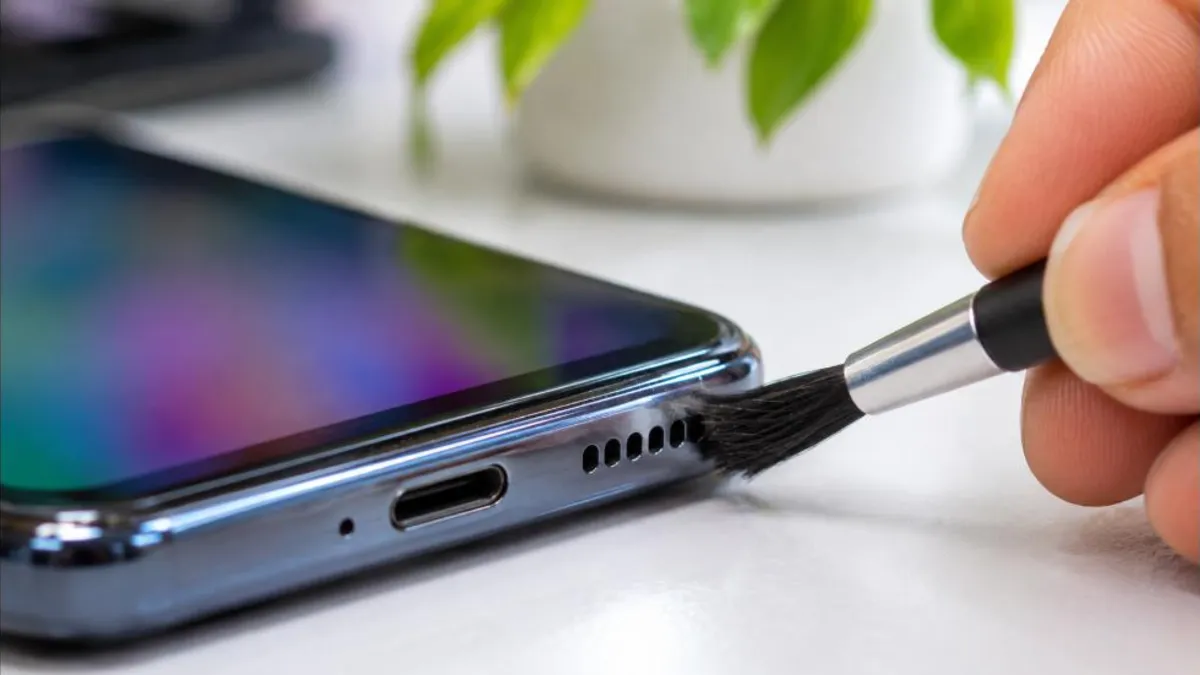
6. Check Sound Settings and Effects
On many Android phones, sound settings like Dolby Atmos, sound enhancer or equaliser can change loudness. Go to Settings → Sound & vibration → Sound quality and effects (names vary by brand). Try turning Dolby Atmos or the enhancer on, or reset the equaliser to default. On iPhone, check Settings → Music → EQ and set it to “Late Night” for louder output in Apple Music, or turn EQ off.
7. Disable Volume Limits and Headphone Safety
Some phones have a “Media volume limiter” or headphone safety feature that caps volume. On Samsung phones, check Settings → Sounds and vibration → Volume → Media volume limiter. On iPhone, go to Settings → Sounds & Haptics → Headphone Safety and review “Reduce Loud Audio”. These settings mainly affect headphones but can confuse users who switch between speaker and earphones.
8. Check Accessibility Settings
Accessibility features such as mono audio, sound balance or hearing aid compatibility can make sound seem low or uneven. On Android, go to Settings → Accessibility → Audio and check Mono audio and balance. On iPhone, check Settings → Accessibility → Audio & Visual and ensure the balance slider is in the centre.
9. Restart and Update Software
Restarting clears temporary bugs in the audio system. If the phone speaker volume low problem started after an update, check for a newer update that may include a fix. Update apps too, especially if the issue is only in one app like WhatsApp or YouTube.
10. Test in Safe Mode
A third-party app, such as a volume booster or equaliser app, can interfere with sound. Boot your Android phone into safe mode (press and hold the power-off option on most phones) and test the speaker. If sound is normal in safe mode, uninstall recently added sound-related apps one by one.
How to Test Whether It Is a Hardware Problem
- Play the same song or video on loudspeaker after cleaning and settings checks.
- Make a test call and switch between earpiece and loudspeaker.
- Use the phone’s built-in diagnostics: many Samsung phones use the Samsung Members app; other brands have hidden test menus or diagnostic apps in settings.
- Connect wired or Bluetooth earphones. If sound is fine on earphones but low on the speaker, the speaker hardware may be damaged.
If the speaker crackles, buzzes or stays low after all fixes, visit an authorised service centre. A speaker replacement is usually affordable compared with other repairs.
Understanding Your Phone’s Speakers
Most smartphones have two sound outputs. The earpiece at the top is used for normal calls, and the loudspeaker at the bottom edge plays ringtones, music, videos and speakerphone calls. Many newer phones combine both to create stereo sound in landscape mode. Knowing which speaker is affected helps you find the cause of a phone speaker volume low issue faster. Cover each speaker with your finger while playing a video: if sound barely changes when you cover one, that speaker may be blocked or faulty.
Phone Speaker Volume Low on iPhone: Extra Steps
- Go to Settings → Sounds & Haptics and drag the Ringtone and Alerts slider; if it is low, sound will be weak for calls and alerts.
- Turn off “Change with Buttons” if the ringer level keeps dropping accidentally.
- Check Settings → Accessibility → Audio & Visual → Balance and keep it centred.
- Disable “Phone Noise Cancellation” if callers sound unclear on older models.
- Turn off Focus modes that might silence calls and notifications.
- Restart the iPhone and update iOS.
If your iPhone speaker greys out during calls or shows no sound, use Apple’s support diagnostics or visit an Apple-authorised service provider.
Kids and Elderly Users
Children often cover the speaker while holding a phone for games, and elderly users may unknowingly turn on accessibility features or lower call volume. If a family member reports a phone speaker volume low problem, check how they hold the phone, clean the grilles, and set call and media volume at a comfortable level. For elderly users, enabling hearing aid compatibility or a phone with a louder earpiece may help.
Phone Speaker Volume Low on Calls Only
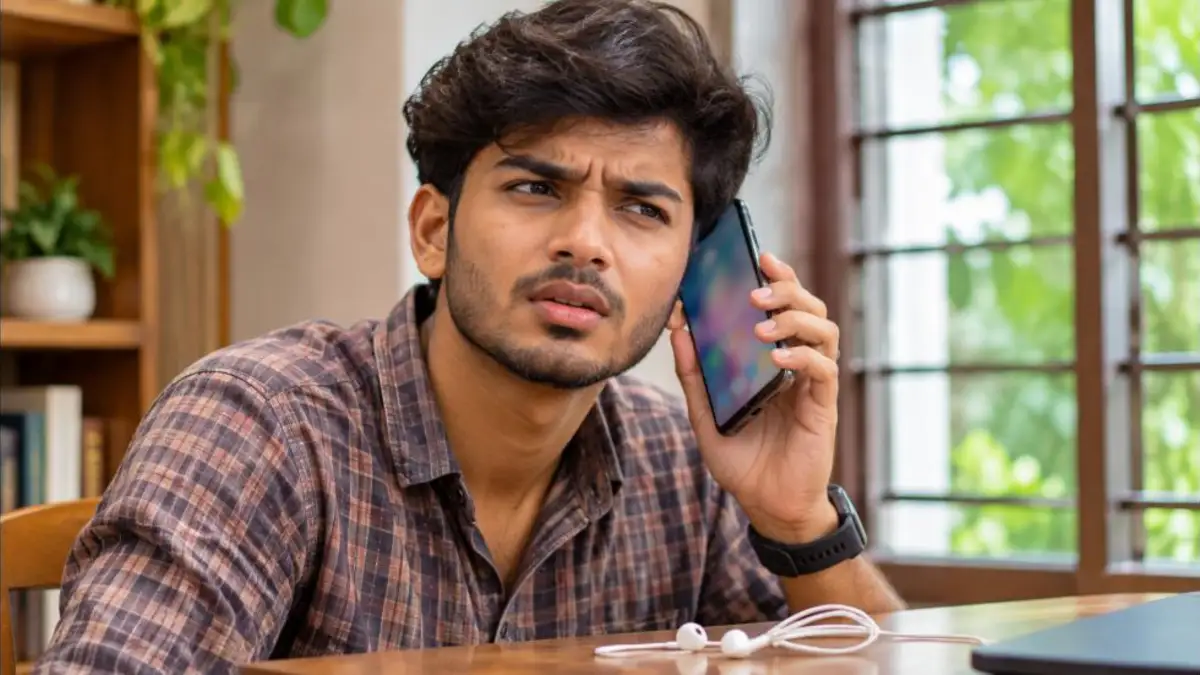
If music and videos are loud but callers sound faint, the problem is usually the earpiece (the small speaker at the top of the screen), not the main speaker. Phone speaker volume low on calls can be fixed this way:
- Increase in-call volume by pressing the volume up button during a call; this level is separate from media volume.
- Clean the earpiece slot gently with a soft brush.
- Check whether the screen guard covers the earpiece.
- Turn off “noise reduction” or “clear voice” features one by one to see if they help.
- Try a call over a different network or with Wi-Fi Calling to rule out network-quality issues.
Phone Speaker Volume Low on WhatsApp and Other Apps
Voice notes in WhatsApp play through the earpiece when you hold the phone to your ear, which can surprise users who expect loudspeaker sound. Keep the phone away from your face so the proximity sensor switches playback to the loudspeaker. For video calls in WhatsApp, Google Meet or Zoom, check the in-app audio settings and make sure the speaker icon is enabled. If the problem is only in one app, clear that app’s cache or reinstall it.
Phone Speaker Volume Low on Samsung, Redmi, Vivo and Oppo
| Brand | Setting to check |
|---|---|
| Samsung | Dolby Atmos, Adapt Sound, Media volume limiter; run Samsung Members diagnostics |
| Xiaomi / Redmi / Poco | Sound settings → Sound effects, Dolby or Audio enhancement; “Clear speaker” in some models |
| Vivo / iQOO | Sound and vibration → Audio effects; super volume options on some models |
| Oppo / Realme / OnePlus | Sound and vibration → Dolby Atmos / Ultra volume mode where available |
| iPhone | Sounds & Haptics, Headphone Safety, Accessibility balance |
Menu names differ by model and software version, but the idea is the same: check audio effects, limiters and accessibility options.
Should You Use Volume Booster Apps?
Many Play Store apps promise to double your volume. Most of them simply raise digital gain, which can distort sound and, at high levels for long periods, may stress the speaker. Some contain intrusive ads or ask for unnecessary permissions. Before installing any booster, try the built-in fixes above. If you still need more volume for media, a small Bluetooth speaker is a safer and better option.
Protect Your Phone Speaker in Daily Use
- Keep your phone in a clean pocket or bag compartment to avoid lint.
- Clean the grilles gently once a month with a soft brush.
- Avoid using the phone in heavy rain or near water without protection.
- Do not play music at maximum volume for hours; it can damage the speaker over time.
- Use a good-quality case with proper speaker cut-outs.
- Avoid cleaning with liquids, sharp objects or high-pressure air.
Phone Speaker Volume Low After Water Damage
If your phone fell into water or was used in heavy rain, a phone speaker volume low issue can appear immediately or a few days later as moisture settles. Act quickly:
- Switch the phone off and remove the case and SIM tray.
- Wipe it with a soft, dry cloth and shake it gently with the speaker facing down.
- Leave it in a dry, ventilated area for 24 to 48 hours; avoid hair dryers and direct heat.
- Turn it on and test the speaker. Run any built-in “water eject” or “clean speaker” option your phone offers.
- If sound is still muffled, visit a service centre, because corrosion can spread to other parts.
Water resistance ratings like IP67 or IP68 do not make phones waterproof forever. Seals weaken with age and drops, so treat every phone as water-sensitive.
Phone Speaker Volume Low After a Software Update
Sometimes a new Android or iOS version changes audio settings or introduces bugs. After an update, check that sound effects and volume limiters have not been reset. Clear the cache partition on older Android phones through recovery mode, or reset all settings (not data) from the phone’s reset menu. On iPhone, Settings → General → Transfer or Reset iPhone → Reset → Reset All Settings restores sound settings without deleting your data. If many users report the same phone speaker volume low problem after an update, the manufacturer usually releases a fix in the next patch.
Repair Cost and Service Centre Tips
If cleaning and settings do not help, the speaker module may need replacement. Costs vary by brand and model; budget phones usually have inexpensive speaker parts, while flagship phones cost more. Always choose an authorised service centre so genuine parts are used and your warranty is protected. Before handing over the phone, back up your data, remove your screen lock if asked or provide it securely, and note the phone’s condition. Ask for a written estimate and keep the job sheet.
Gaming and Video Calls
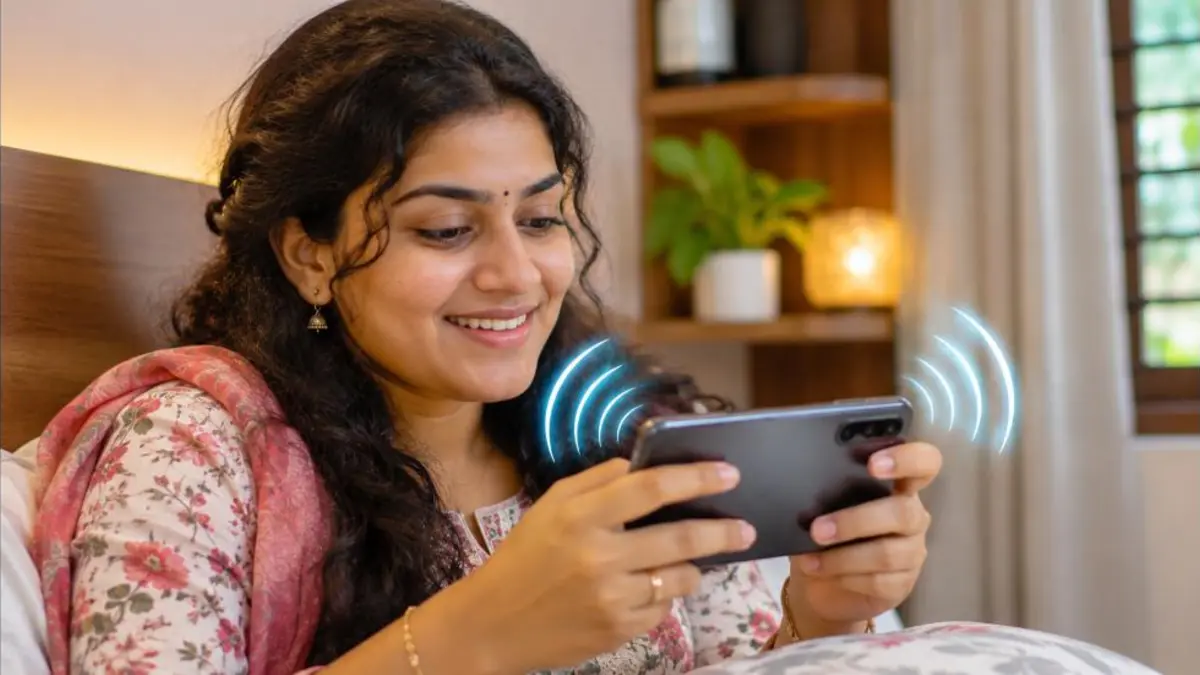
Gamers often notice a phone speaker volume low problem when holding the phone horizontally, because their palms cover the bottom speaker. Adjust your grip, use phones with stereo speakers, or switch to earphones for long sessions. For video calls on laptops connected to phones, make sure audio is routed through the correct device. Apps like Google Meet and Zoom have audio settings where you can select the speaker output and test it before joining a meeting.
Phone Speaker Volume Low Checklist
- Raise media and call volume sliders.
- Turn off Bluetooth and unplug earphones.
- Remove the case and check the screen guard.
- Clean the speaker and earpiece grilles gently.
- Dry out any moisture.
- Review sound effects, limiters and accessibility balance.
- Restart, update and test in safe mode.
- Run diagnostics; visit a service centre if needed.
For other common phone problems, see our guides on phone hanging problem fix and phone overheating fix.
Many people live with a phone speaker volume low problem for months, assuming the phone is simply getting old. In reality, a two-minute cleaning or a single settings change often restores full volume. Before you plan a new phone purchase, work through every step in this guide, test after each change, and note which one made the difference. If the phone is still under warranty, a speaker fault is usually covered, so check your warranty status before paying for repairs.
For brand-specific help with a phone speaker volume low issue, you can also refer to official support pages such as Android Help and Apple Support, which list model-specific steps and service options.
It also helps to compare your phone with another device. Play the same YouTube video on a friend’s phone and yours at full volume in the same room. If both sound similar, your phone is fine and the content itself may be quiet. If yours is clearly weaker, you have confirmed a phone speaker volume low issue that needs fixing.
Recording a short video of the problem can also help the service centre understand it quickly, especially if the fault comes and goes. Keep the recording along with your purchase invoice when you visit for repair, and mention every fix you have already tried so the technician can skip basic steps. This saves time and makes sure the real cause of the phone speaker volume low problem is found faster.
Frequently Asked Questions
Why is my phone speaker volume low suddenly?
The most common reasons are dust in the grille, Bluetooth still connected, water inside, or a settings change after an update.
How do I clean my phone speaker safely?
Use a soft, dry brush or sticky tape. Do not use pins, needles or liquids.
Can a phone case reduce volume?
Yes. Cases that partly cover the speaker can make sound noticeably weaker.
Do volume booster apps work?
They may increase loudness slightly but can distort sound. Built-in settings and cleaning are safer.
When should I replace the speaker?
If sound stays low, crackles or buzzes after all fixes, the speaker is likely damaged and should be checked at a service centre.
Conclusion
A phone speaker volume low problem is usually caused by simple things like dust, settings or a connected Bluetooth device. Start with the easy fixes, clean the grilles carefully, check sound effects and accessibility options, and dry out any moisture. If nothing works, an authorised service centre can replace the speaker quickly. With a little care, your phone can keep delivering clear, loud sound for years.