Lock down situation has changed every habits.Because of lock down till may 28 of 2020 peoples didin”t get beverages from government Bevco outlets or from private shops.For maintaining social distancing and prevention of aggressive progression of corona virus in kerala. State government not allowed to open above stated centers. But good time has come for beverage lovers.A mobile application is introduced by kerala government to maintain a que system for buying beverages from private shops, bevco outlets and civil supplies outlets.People do not having smart phones can use SMS facilities for this.
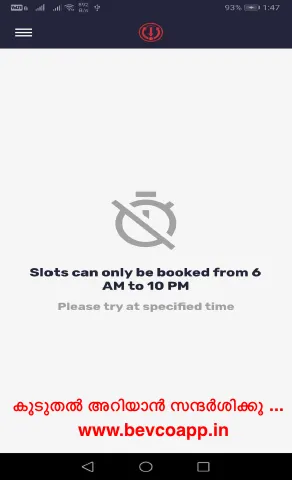
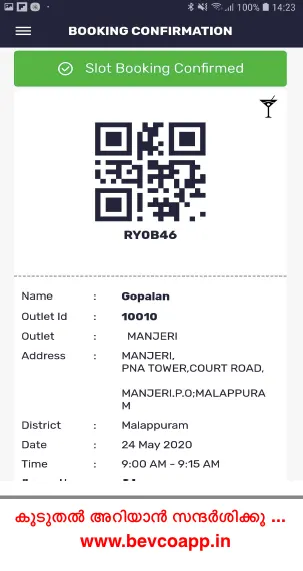
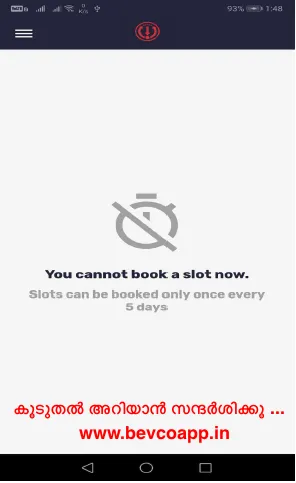
In addition to that this mobile application was made by the company called “faircode”.This mobile application is not a business application.It is just for providing time slot for the needful.People need drinks have to came on the time which has been given by the mobile application.By sign in and giving details application will provide a token in the outlet in which needful wanted to buy.token contains time, date pin code and name of the outlet where the buyer have reach.One important thing is one can buy once only in 5 days.Application will only work in between 6am to 10 pm.This mobile application can be used only after a login.
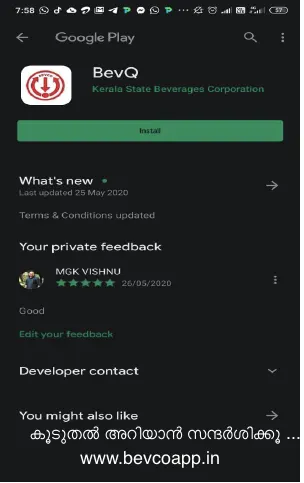
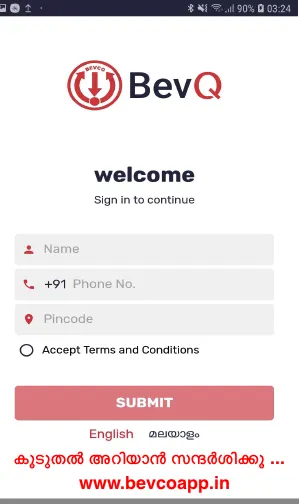
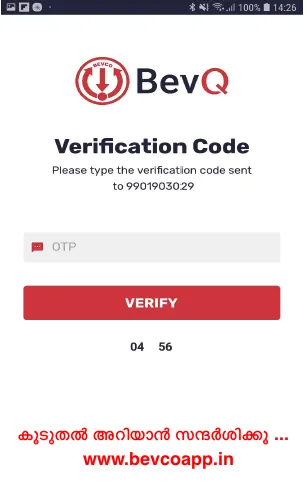
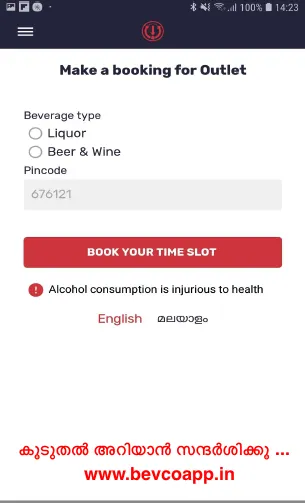
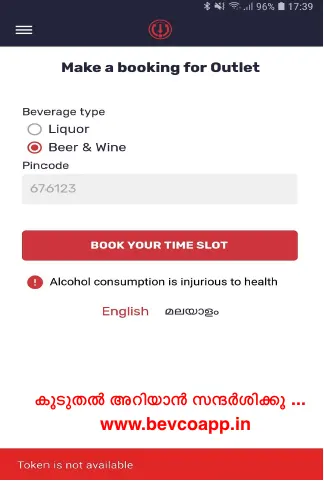
It can be used by downloading from google play store or app store.In the initial login screen user have to give Name, phone number and pin code. Thereafter user has to accept the application policies.On the next page Proceeding by given OTP app can be used.Thereafter by selecting outlet which customer want to go he will get the token with time date and name of the outlet.
[quads id=1]
[quads id=1]