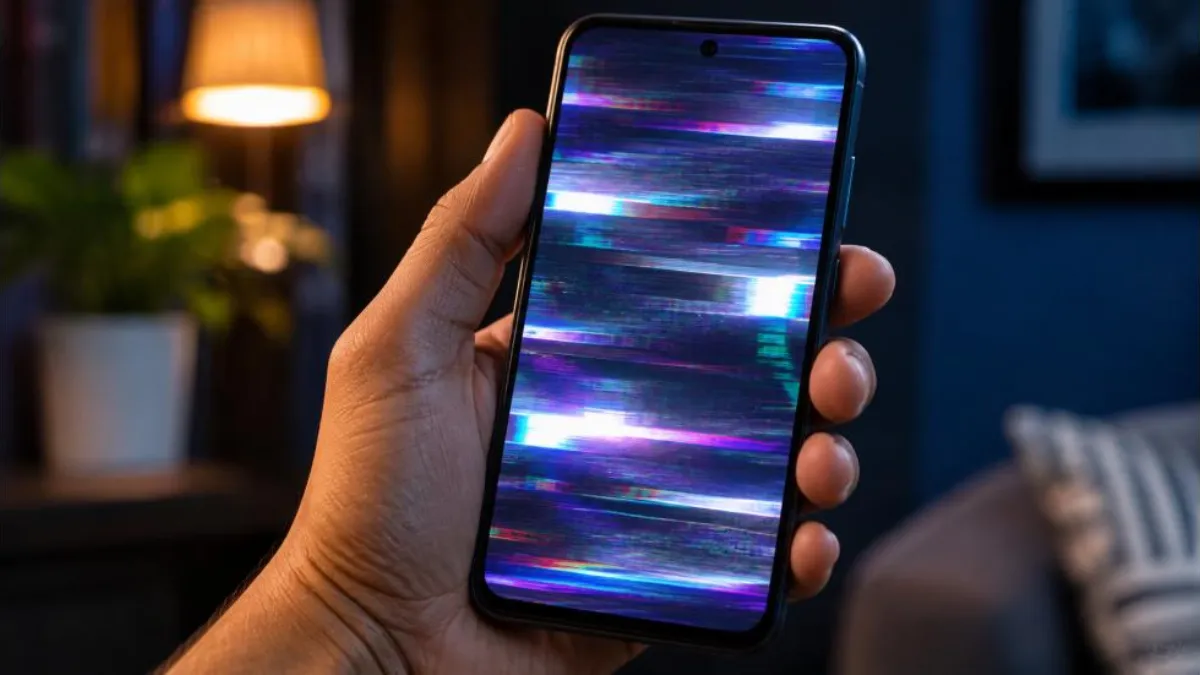
Is your phone display blinking, showing horizontal lines, or flashing at low brightness? A phone screen flickering problem is annoying and can strain your eyes. It may be caused by adaptive brightness, a software bug, a faulty app, high refresh rate settings, a loose display connector or physical damage. Many cases can be fixed at home without replacing the screen.
This guide gives 12 easy fixes for phone screen flickering on Android and iPhone, explains how to tell software issues from hardware damage, and shares tips to prevent it.
Phone Screen Flickering: Quick Diagnosis
| Symptom | Likely cause | Try first |
|---|---|---|
| Flickers only at low brightness | PWM dimming on OLED screens | Increase brightness or enable anti-flicker/DC dimming |
| Flickers in one app | App bug | Update or reinstall the app |
| Flickers after an update | Software bug | Restart, update again, safe mode |
| Flickers after a fall or water exposure | Hardware damage | Service centre |
| Green or white lines with flicker | Display panel or connector fault | Service centre |
| Flicker when charging | Faulty charger or cable | Use original charger |
12 Easy Fixes for Phone Screen Flickering
1. Restart the phone
A restart clears temporary glitches in the display driver and graphics processes.
2. Turn off adaptive or auto brightness
Auto brightness constantly adjusts the screen in changing light, which can look like flickering. Turn it off in Settings > Display and set a fixed brightness level.
3. Increase brightness slightly
Many OLED and AMOLED screens use PWM (pulse-width modulation) dimming. At very low brightness, some people notice flicker or eye strain. Keep brightness a little higher, especially at night, and use dark mode instead of dimming the screen fully.
4. Enable anti-flicker or DC dimming mode
Some phones offer “Anti-flicker”, “DC dimming” or “Eye comfort” modes. Look in Display settings. These reduce flicker at low brightness on supported models.
5. Change refresh rate
Phones with 90Hz, 120Hz or adaptive refresh rates sometimes flicker when switching rates. Set a fixed refresh rate (for example, 60Hz or 120Hz) in Display settings and test.
6. Update the system and apps
Manufacturers often fix display bugs through updates. Install the latest system update and update all apps from the Play Store or App Store.
7. Test in safe mode
Boot into safe mode. If the phone screen flickering stops, a third-party app (often screen filters, blue light apps, launchers, or overlay apps) is the cause. Uninstall recently installed apps one by one.
8. Disable hardware overlays (Android developer option)
Enable Developer options by tapping Build number seven times in About phone. In Developer options, turn on “Disable HW overlays” to force GPU composition. This can fix flicker on some devices, though it may slightly increase battery use. Turn it off later if it makes no difference.
9. Remove screen filters and overlay apps
Blue light filter apps, screen dimmers and floating chat bubbles draw over the screen and can cause flicker. Disable or uninstall them and use the built-in eye comfort mode instead.
10. Check the charger
Some phones flicker or show ghost touches when charging with cheap or damaged chargers. Use the original or a certified charger and cable.
11. Clear cache partition or reset settings
On some Android phones, wiping the system cache from recovery mode can fix display glitches. Alternatively, reset all settings, which keeps your data but restores system settings to default.
12. Factory reset or service centre
If the phone screen flickering continues after all software steps, back up your data and factory reset. If it still flickers, the display or its connector likely needs repair.
Software or Hardware? How to Tell
| Sign | Software issue | Hardware issue |
|---|---|---|
| Flicker in screenshots | Yes (appears in screenshots or screen recording) | No (screenshots look normal) |
| Stops in safe mode | Yes | No |
| Started after a drop or water | Rare | Common |
| Lines or patches on screen | Rare | Common |
| Changes with brightness or refresh rate | Often | Sometimes |
A quick test: take a screenshot while the screen flickers. If the screenshot looks normal, the problem is likely with the display hardware, not the software.
Phone Screen Flickering After Screen Replacement
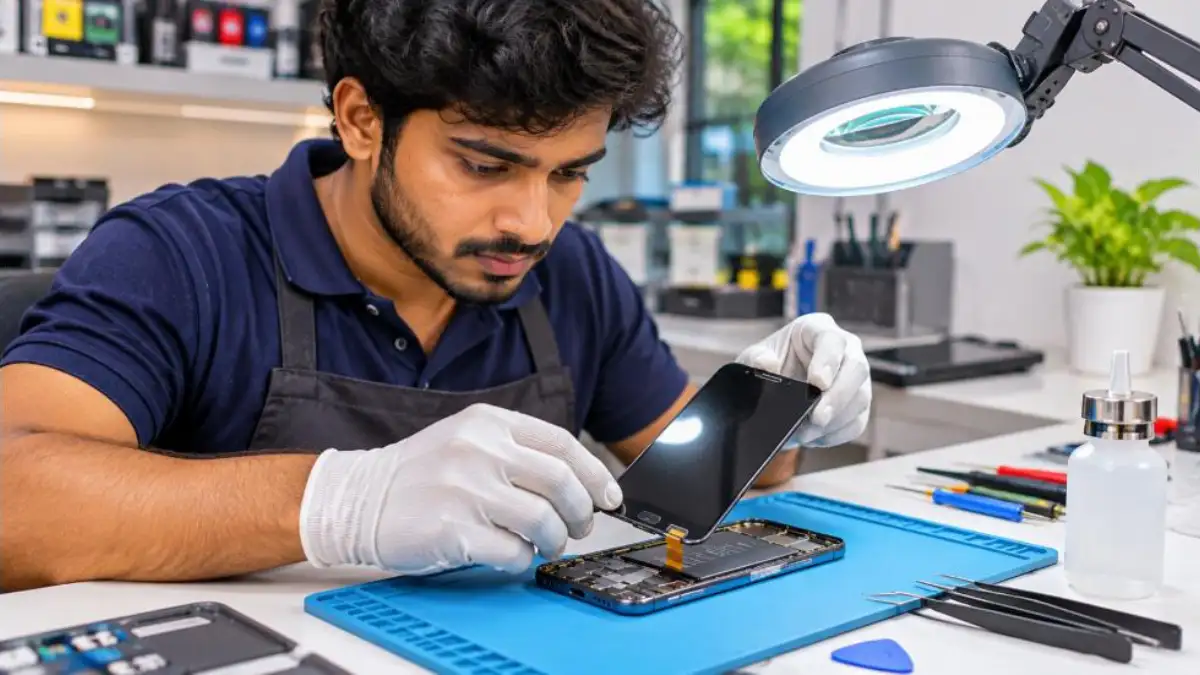
Low-quality replacement screens or loosely connected display cables are common causes of flicker after repairs. If your phone started flickering after a third-party repair, return to the repair shop for a check. Authorised service centres use original parts and may cost more but last longer.
Phone Screen Flickering on iPhone
- Turn off Auto-Brightness: Settings > Accessibility > Display & Text Size.
- Turn off True Tone and Night Shift temporarily to test.
- Enable “Reduce White Point” carefully if low brightness flicker bothers you.
- Force restart and update iOS.
- Contact Apple Support if green lines or persistent flicker appear.
Why Phone Screen Flickering Happens
- PWM dimming: OLED screens flash on and off rapidly to reduce brightness. At low levels, sensitive eyes may notice it.
- Adaptive brightness and refresh rate: Constant adjustments can look like flicker.
- Software bugs: Graphics drivers, system updates or app conflicts.
- Overlay apps: Screen filters and floating windows.
- Power issues: Faulty chargers or failing batteries causing voltage fluctuations.
- Hardware damage: Loose display connectors, cracked panels, water damage or ageing OLED panels.
Brand-Specific Settings
| Brand | Useful display settings |
|---|---|
| Samsung | Display > Motion smoothness (refresh rate), Eye comfort shield, Extra dim |
| Xiaomi / Redmi / POCO | Display > Refresh rate, Reading mode, Anti-flicker (on supported models) |
| OnePlus / Oppo / Realme | Display > Screen refresh rate, Eye comfort, Flicker-free/DC dimming options |
| Vivo / iQOO | Display & brightness > Screen refresh rate, Eye protection |
| Pixel / Motorola | Display > Smooth Display, Adaptive brightness, Extra dim |
| iPhone | Accessibility > Display & Text Size, True Tone, ProMotion settings on supported models |
Names vary by model and software version; use the Settings search bar to find options quickly.
Eye Comfort Tips
- Keep brightness comfortable rather than very low in dark rooms; add a soft room light.
- Use dark mode to reduce glare.
- Follow the 20-20-20 rule: every 20 minutes, look 20 feet away for 20 seconds.
- Enable eye comfort or night mode in the evening.
- Consult an eye doctor if you experience headaches or eye strain.
Related Guides
If your phone also has touch problems or hangs, read our guides on touch screen not working and phone hanging problem. For official Android help, visit the Android Help Center.
Phone Screen Flickering in Specific Apps
If flicker appears only in YouTube, Instagram, games or the camera app, the issue is likely with that app or its interaction with your display settings:
- Update the app from the Play Store or App Store.
- Clear the app’s cache (Android: Settings > Apps > [app] > Storage > Clear cache).
- Turn off HDR video or high frame rate options inside the app.
- Uninstall and reinstall the app.
- Check if other users report the same issue after an app update; developers often release fixes quickly.
Phone Screen Flickering in Games
Games push the graphics processor hard. Flicker in games can be caused by overheating, aggressive refresh rate switching or game settings. Lower graphics quality, cap the frame rate, keep the phone cool and close background apps. If your phone also heats up, see our guide on phone overheating.
Ageing OLED Screens
Over years of use, OLED screens can develop burn-in and uneven brightness. Some ageing panels show flicker at low brightness more noticeably. If your phone is several years old and the flicker is worsening, a display replacement or a new phone may be the long-term solution.
Water and Drop Damage
If phone screen flickering started after the phone fell into water or was dropped, turn it off and visit a service centre quickly. Moisture can damage display connectors and circuits over time. Do not charge a wet phone.
Step-by-Step Troubleshooting Order
- Restart the phone.
- Turn off auto brightness and set a moderate level.
- Enable anti-flicker or eye comfort mode if available.
- Set a fixed refresh rate.
- Update software and apps.
- Remove overlay and screen filter apps.
- Test in safe mode.
- Try “Disable HW overlays” in Developer options.
- Use the original charger.
- Reset settings or factory reset after backup.
- Visit a service centre for hardware repair.
Real Example
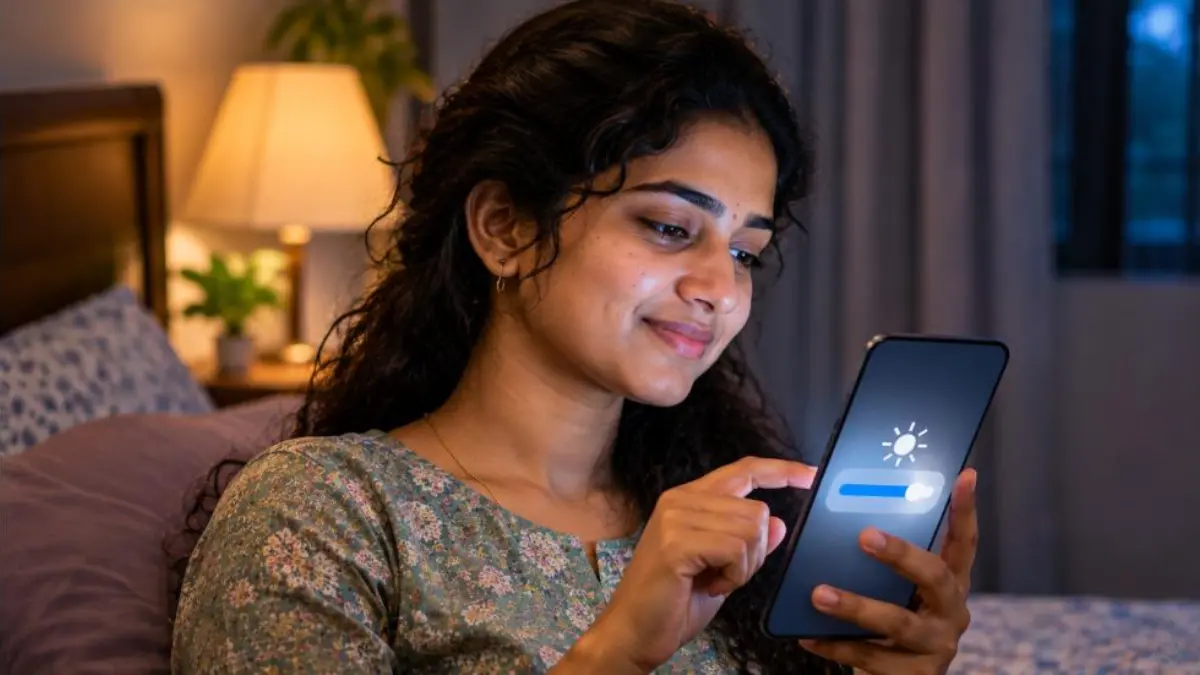
Sneha noticed phone screen flickering every night while reading in bed. It happened only at very low brightness. She turned on her phone’s anti-flicker mode, raised brightness slightly and switched to dark mode. The flicker disappeared and her eye strain reduced.
Understanding Display Types
| Display type | Flicker tendency | Notes |
|---|---|---|
| LCD (IPS) | Usually low | Backlight-based; flicker often indicates hardware or backlight issues |
| OLED / AMOLED | Can flicker at low brightness (PWM) | Deep blacks; check for anti-flicker or DC dimming options |
| LTPO OLED | Variable | Adaptive refresh rates; fixed rate may reduce flicker |
Knowing your display type helps you understand whether phone screen flickering is normal behaviour at low brightness or a sign of a fault.
Warranty and Repair Tips
- Check if your phone is under warranty before paying for repairs.
- Back up data before handing the phone to a service centre.
- Ask for original parts and a written estimate.
- Test the display carefully after repair, including at low brightness.
- Keep the repair invoice for future warranty claims on the replaced part.
Accessibility Features That Help
People sensitive to flicker can use features like Extra Dim (Android) or Reduce White Point (iPhone), which reduce brightness through software while keeping the hardware brightness higher. This can reduce perceived flicker at night. Colour filters and grayscale modes may also make reading more comfortable for some users.
Prevention Tips
- Use a good case and screen protector to avoid drop damage.
- Keep the phone away from water, heat and humidity.
- Avoid cheap chargers and cables.
- Install apps only from official stores.
- Keep software updated.
- Do not leave the phone at maximum brightness for long periods, which accelerates OLED ageing.
Final Thoughts
A flickering display can be frustrating, but most cases are linked to brightness settings, refresh rate switching, software bugs or overlay apps, all of which you can fix yourself. Use the screenshot test and safe mode to narrow down the cause, follow the troubleshooting order in this guide, and consult a professional only when signs point to hardware damage. With the right settings, you can enjoy a stable, comfortable screen every day.
Phone Screen Flickering vs Ghost Touch
Sometimes flicker comes together with ghost touch, where the phone registers taps you did not make. This combination usually points to a damaged digitiser or display connector, a faulty charger, or moisture inside the phone. Remove the screen protector to check whether it is pressing on the display, use the original charger, and if the problem continues, get the display inspected. Our guide on touch problems covers related fixes in detail.
Does a Screen Protector Cause Flicker?
A screen protector itself rarely causes phone screen flickering, but a poorly fitted protector with bubbles or debris can create visual artefacts and affect touch. Tempered glass that is too thick may interfere with in-display fingerprint sensors and proximity sensors, which can make the screen turn on and off during calls, looking like flicker. Try removing the protector to test.
Proximity Sensor and Call Flicker
If the screen flickers or blacks out during calls, the proximity sensor near the earpiece may be dirty or blocked. Clean the top area of the screen, remove dark or thick screen protectors over the sensor and test again. Some phones allow sensor calibration in settings or diagnostic apps.
Battery Health and Flicker
A failing battery can supply unstable voltage, sometimes causing screen flicker, random restarts and sudden shutdowns. Check battery health in settings (on supported phones) or through the brand’s diagnostic app. If the battery is swollen or worn out, replace it at an authorised centre.
Quick Checklist
- Restart and test at different brightness levels.
- Turn off auto brightness and adaptive refresh rate.
- Enable anti-flicker or eye comfort mode.
- Update system and apps.
- Remove overlay and filter apps.
- Test in safe mode and take a screenshot during flicker.
- Use the original charger.
- Check battery health.
- Remove screen protector to test sensors.
- Visit a service centre if lines, patches or damage appear.
Use this checklist whenever phone screen flickering appears, and you will solve most cases in minutes. Share it with friends and family who face similar display issues, so they can try simple fixes before paying for repairs.
When to Consider a New Phone
If your phone is more than four or five years old, has an ageing OLED panel, weak battery and slow performance, a display repair might cost a large share of a new phone’s price. Compare the repair quote with the cost of a mid-range replacement. For newer phones, repair is usually worth it, especially under warranty or with extended protection plans. Whatever you decide, back up your photos and data first so nothing is lost during repair or transfer.
Frequently Asked Questions
Why does my phone screen flicker at low brightness?
Many OLED screens use PWM dimming, which can cause visible flicker at low brightness. Increase brightness slightly or use anti-flicker mode if available.
Can a software update fix screen flicker?
Yes, if the cause is a bug. Install the latest updates.
Is screen flickering dangerous?
It is not dangerous for the phone in most cases, but it can cause eye strain. Persistent flicker with lines may indicate hardware damage.
How much does screen replacement cost?
It depends on the model and display type. OLED screens cost more. Get a quote from an authorised service centre.
Why does my screen flicker only while charging?
A faulty charger or cable can cause power fluctuations. Use the original or certified charger.
Conclusion
Phone screen flickering is often a software or settings issue that you can fix by restarting, disabling auto brightness, adjusting refresh rate, enabling anti-flicker modes, updating software and removing overlay apps. Use the screenshot and safe mode tests to tell software from hardware problems. If flicker continues with lines or after damage, visit an authorised service centre for display repair.