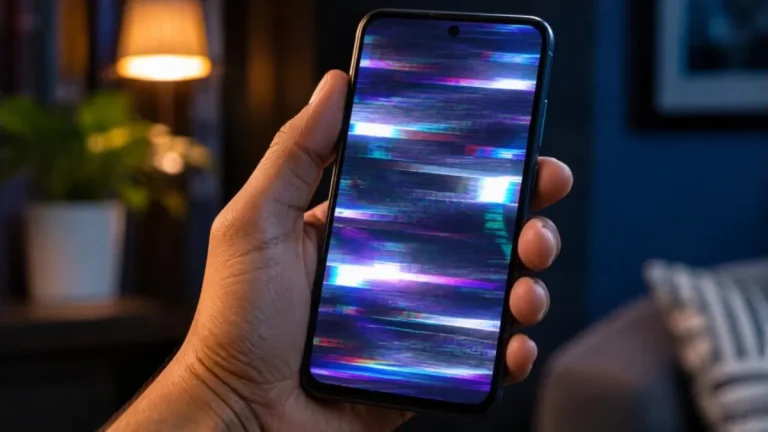
If your phone keeps restarting on its own, it can be scary and frustrating. You might be in the middle of a call, payment or online class when the screen suddenly goes black and the logo appears again. Random restarts, also called boot loops when they repeat continuously, can be caused by software bugs, faulty apps, overheating, a weak battery, full storage or hardware problems.
This guide explains why a phone keeps restarting and shares 13 easy fixes for Android phones and iPhones in 2026, from simple checks to safe mode, cache clearing, updates and factory reset. We also explain when the problem needs a service centre.
Why Does a Phone Keep Restarting?
| Cause | Common Signs |
| Faulty or incompatible app | Restarts began after installing or updating an app |
| Software bug or failed update | Restarts after a system update; random crashes |
| Overheating | Phone is hot before it restarts, especially while gaming or charging |
| Weak or swollen battery | Restarts at certain battery levels; battery drains fast; back cover bulging |
| Full storage | Very little free space; apps crash often |
| Malware | Pop-ups, unknown apps, unusual data use |
| Hardware damage | Restarts after a fall or water exposure; loose power button |
| Faulty charger or port | Restarts only while charging |
13 Easy Fixes When Your Phone Keeps Restarting
1. Note When It Happens
Before trying fixes, observe the pattern. Does the phone restart while charging, when using a specific app, at low battery or randomly? This clue helps you choose the right solution quickly.
2. Remove the Case and Check the Power Button
A tight case or a stuck power button can repeatedly trigger restarts. Remove the case, press the power button a few times to check it moves freely, and clean around it gently.
3. Free Up Storage
When storage is almost full, the system struggles to run and can crash. Keep at least 10–15% free. Delete unused apps, old videos and duplicate photos, and move files to cloud storage or a computer.
4. Boot Into Safe Mode (Android)
Safe mode starts the phone with only pre-installed apps. If your phone keeps restarting normally but stays stable in safe mode, a downloaded app is the culprit. On most Android phones, press and hold the power button, then touch and hold “Power off” or “Restart” until “Safe mode” appears. Uninstall recently installed apps one by one, then restart normally.
5. Update Apps
Open the Google Play Store or App Store and update all apps. Developers frequently fix crashes and compatibility problems in updates. Outdated apps that run in the background can trigger system instability.
6. Install the Latest System Update
Go to Settings > System > Software update on Android or Settings > General > Software Update on iPhone. Install any available update. Manufacturers often release patches for restart bugs, especially after major version upgrades. Keep the phone charged above 50% and connected to Wi-Fi while updating.
7. Clear Cache of Problem Apps
On Android, go to Settings > Apps, select an app that crashes often, open Storage and tap “Clear cache”. This removes temporary files that may be corrupted without deleting your data.
8. Check for Overheating
Phones protect themselves by shutting down or restarting when they get too hot. Avoid using the phone in direct sunlight, remove thick cases while charging, stop heavy gaming for a while and close unused apps. Our guide on phone overheating fixes explains more ways to keep it cool.
9. Test the Charger and Cable
If your phone keeps restarting only while charging, try a different original or certified charger and cable. Clean the charging port gently with a dry, soft brush. Damaged chargers can cause voltage fluctuations that trigger restarts. See our guide if your phone is not charging properly.
10. Check Battery Health
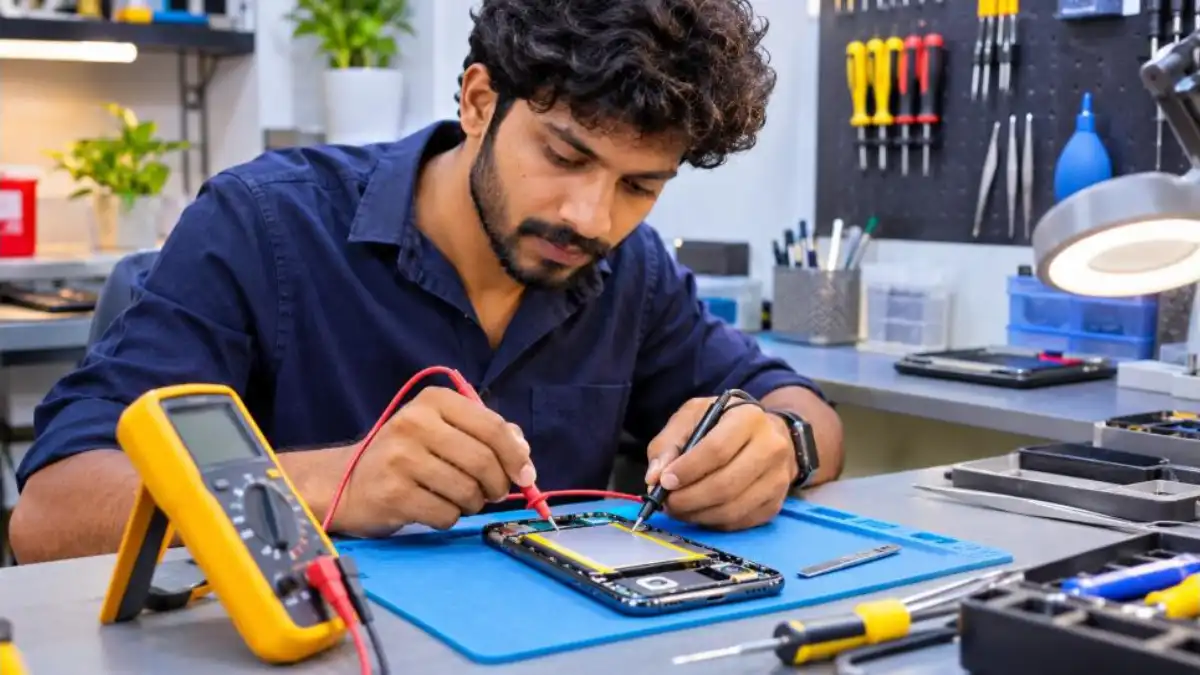
An ageing battery may not supply enough power during heavy use, causing sudden shutdowns or restarts, especially below 20–30% charge. On iPhone, check Settings > Battery > Battery Health. On many Android phones, battery information is available in device care or diagnostic apps from the manufacturer. If the battery is weak or swollen, stop using the phone and get the battery replaced at an authorised centre. A swollen battery is a safety risk.
11. Scan for Malware and Remove Suspicious Apps
Use Google Play Protect (Play Store > profile > Play Protect) to scan your Android phone. Remove apps you do not recognise, apps installed from unknown sources and apps with excessive permissions. Avoid installing modified or “cracked” apps.
12. Reset All Settings
Resetting settings can fix conflicts without deleting personal data. On Android, look for Settings > System > Reset options > Reset app preferences or Reset settings (options vary by brand). On iPhone, go to Settings > General > Transfer or Reset iPhone > Reset > Reset All Settings.
13. Factory Reset as a Last Resort
If your phone keeps restarting after all other steps, a factory reset can remove deep software problems. This erases all data, so back up photos, contacts, chats and documents first. On Android: Settings > System > Reset options > Erase all data. On iPhone: Settings > General > Transfer or Reset iPhone > Erase All Content and Settings. After resetting, test the phone before restoring all apps, and add apps back gradually.
Phone Keeps Restarting on iPhone
iPhones can also restart unexpectedly. Try these specific steps:
- Update to the latest iOS version.
- Check Settings > Privacy & Security > Analytics & Improvements > Analytics Data for repeated crash logs that mention a specific app.
- Delete or update the app that appears often in crash logs.
- Check Battery Health; replace the battery if it shows “Service”.
- Force restart: press and release volume up, press and release volume down, then hold the side button until the Apple logo appears.
- Reset all settings, and as a last option, restore the iPhone using a computer.
Phone Stuck in a Boot Loop
If your phone keeps restarting continuously and never reaches the home screen, it is in a boot loop. Try these steps:
- Let the battery drain completely, then charge it for 30 minutes and turn it on.
- Boot into safe mode if possible and remove recent apps.
- On Android, enter recovery mode (usually by holding power and volume keys) and use “Wipe cache partition” if available. This does not delete personal data on most phones.
- If nothing works, use “Wipe data/factory reset” in recovery mode, understanding that it will erase your data.
Recovery mode key combinations differ by brand; check your manufacturer’s official support page before trying.

When to Visit a Service Centre
Visit an authorised service centre if:
- The phone keeps restarting even after a factory reset.
- The battery is swollen, very hot or drains extremely fast.
- The phone was dropped or exposed to water before the problem started.
- The power button is damaged or stuck.
- The phone is under warranty; avoid opening it yourself.
Hardware issues such as a faulty motherboard, power IC or battery connector need professional repair.
Prevent Restarts in the Future
- Install apps only from official app stores.
- Keep software and apps updated.
- Maintain at least 10–15% free storage.
- Use original or certified chargers.
- Avoid heavy use while charging, especially gaming.
- Protect the phone from heat, water and drops.
- Restart the phone once a week to clear memory.
If your phone also feels slow or freezes often, read our guide on phone hanging problem fixes.

Phone Keeps Restarting: Brand-Specific Tips
Samsung
Samsung phones include Device Care in Settings, which can optimise the phone, check battery usage and scan for malware. Samsung Members app also offers diagnostics to test hardware like the battery, sensors and buttons. Some Samsung models have an “Auto restart” option that restarts the phone at a scheduled time; this is normal and can be turned off in Settings > Device care > Auto optimisation.
Xiaomi, Redmi and POCO
Check Settings > Battery for aggressive optimisation and update MIUI or HyperOS to the latest version. The Security app includes a cleaner and virus scan.
Realme, OPPO and OnePlus
Use the built-in Phone Manager or device diagnostics in settings. Look for a scheduled power on/off feature, which some users enable by mistake.
Vivo and iQOO
Check i Manager for cleaning and security scans. Scheduled power on/off settings can also cause the phone to turn off and on at specific times.
If your phone keeps restarting at the same time every day, check for such scheduled settings before trying complex fixes.
Software Tips That Reduce Crashes
- Avoid installing too many launchers, cleaners and battery saver apps; they can conflict with the system.
- Do not use system-modifying apps that need root access unless you understand the risks.
- Limit widgets and live wallpapers on older phones with less RAM.
- Review app permissions and remove apps that run constantly in the background.
Quick Diagnosis: Phone Keeps Restarting
| When It Restarts | Most Likely Cause | Try First |
| While using one app | Faulty app | Update or uninstall the app; test in safe mode |
| While charging | Charger, cable or port | Use original charger; clean port |
| At low battery | Weak battery | Check battery health; replace battery |
| When hot | Overheating | Cool down; remove case; reduce heavy use |
| After update | Software bug | Install follow-up update; reset settings |
| Randomly, even when idle | Software corruption or hardware | Safe mode, cache wipe, factory reset, then service centre |
Example: How Anu Fixed Her Restarting Phone
Anu, a teacher in Kannur, found that her phone keeps restarting several times a day. She noticed it often happened when she opened a newly installed photo-editing app from an unknown website. She started the phone in safe mode and it worked perfectly for a full day. After uninstalling the app and installing a trusted alternative from the Play Store, the problem stopped completely. Her experience shows how safe mode can quickly reveal app-related problems.
How to Wipe Cache Partition on Android
Some Android phones offer a “Wipe cache partition” option in recovery mode. It clears temporary system files without deleting personal data and can fix restart problems after updates. The general steps are:
- Turn off the phone completely.
- Press and hold the key combination for recovery mode (often Power + Volume Up; varies by brand).
- Use the volume keys to select “Wipe cache partition” and the power key to confirm.
- Choose “Reboot system now” when finished.
Many newer phones no longer show this option. If you do not see it, skip this step. Never choose “Wipe data/factory reset” unless you have a backup and want to erase everything.
Should You Buy a New Phone?
If your phone is very old, no longer receives security updates, has a weak battery and still keeps restarting after a factory reset, repair costs may not be worth it. Compare the cost of a battery or motherboard repair with the price of a new phone. A new phone with longer software support may be more economical and secure in the long run. If the phone is relatively new, repair at an authorised centre is usually the better choice.
Back Up Your Data Regularly
A phone that restarts randomly may eventually fail to start at all. Back up your data regularly so you never lose important information:
- Turn on Google backup or iCloud backup for contacts, photos and settings.
- Back up WhatsApp chats to Google Drive or iCloud.
- Copy important documents to a computer or cloud storage.
- Note down two-factor authentication backup codes.
Make backups automatic wherever possible. Automatic backups work silently in the background and ensure that even if your phone keeps restarting or suddenly stops working, your memories and important files are safe.
Phone Keeps Restarting After Water Damage or a Fall
If your phone keeps restarting soon after it was dropped or exposed to water, the cause is most likely physical. Water can create short circuits on the motherboard or corrode battery connectors, and a hard fall can loosen internal cables. In such cases, software fixes rarely help. Turn the phone off, do not charge it, and take it to an authorised service centre as soon as possible. Avoid home remedies like heating the phone or keeping it in rice for long periods, which may not remove moisture from inside.
Phone Keeps Restarting During Calls or Games
When a phone keeps restarting only during calls, check the proximity sensor area and screen protector, update the phone app and reset network settings. If the phone keeps restarting during heavy games, overheating or a weak battery is the usual reason. Lower graphics settings, close background apps and play while the phone is cool. A gaming phone cooler or simply taking breaks can reduce heat significantly.
Some users also notice that the phone keeps restarting when the battery drops below a certain level, such as 20%. This strongly suggests battery wear. Keeping the battery between 20% and 80% most of the time and avoiding extreme heat can slow down this wear, but an old battery will eventually need replacement.
In all these cases, the key is to link the restart to a specific situation. Once you know the trigger, you can choose the right fix and avoid wasting time on unrelated steps.
Frequently Asked Questions
Why does my phone keep restarting by itself?
Common reasons include faulty apps, software bugs, overheating, a weak battery, full storage, malware or hardware damage.
Can a bad app make my phone restart?
Yes. Test in safe mode; if the phone is stable there, uninstall recently added apps one by one.
Will a factory reset fix restart problems?
It fixes most software-related causes. If the phone keeps restarting after a reset, the problem is likely hardware.
Can overheating cause restarts?
Yes. Phones shut down or restart to protect components when they get too hot.
Is a phone restart loop dangerous?
The loop itself is not dangerous, but if it is caused by a swollen or overheating battery, stop using the phone and get it checked immediately.
How much does battery replacement cost?
Costs vary by brand and model. Check the official service centre price list for your phone.
Conclusion
When your phone keeps restarting, start with simple steps: note the pattern, free storage, update apps and software, and test in safe mode. Then check the charger, battery health and temperature. Reset settings or perform a factory reset only after backing up data. If the phone keeps restarting even after these steps, visit an authorised service centre. With patience and the right sequence of fixes, most restart problems can be solved without buying a new phone. For brand-specific help, visit the Android Help Centre.